Hardware · ongoing
Setting up Pocket NC
Look what I got my hands on, a desktop size CNC machine. I will work on some interesting projects which I have in my bucket list for a long time now which are either too expensive to manufacture from outside vendors or I did not want to spend a lot of my time on them. Now this makes it easy.
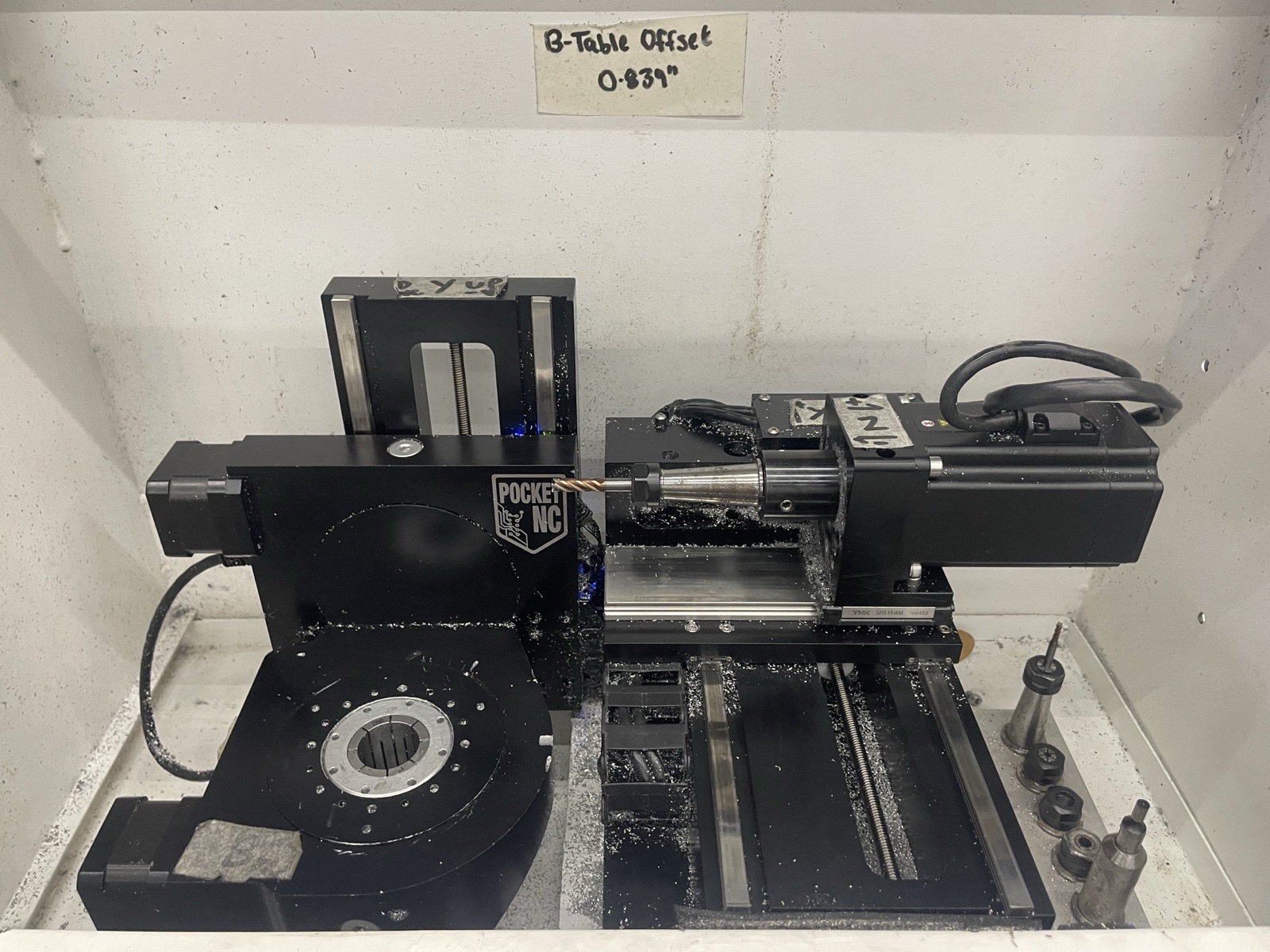
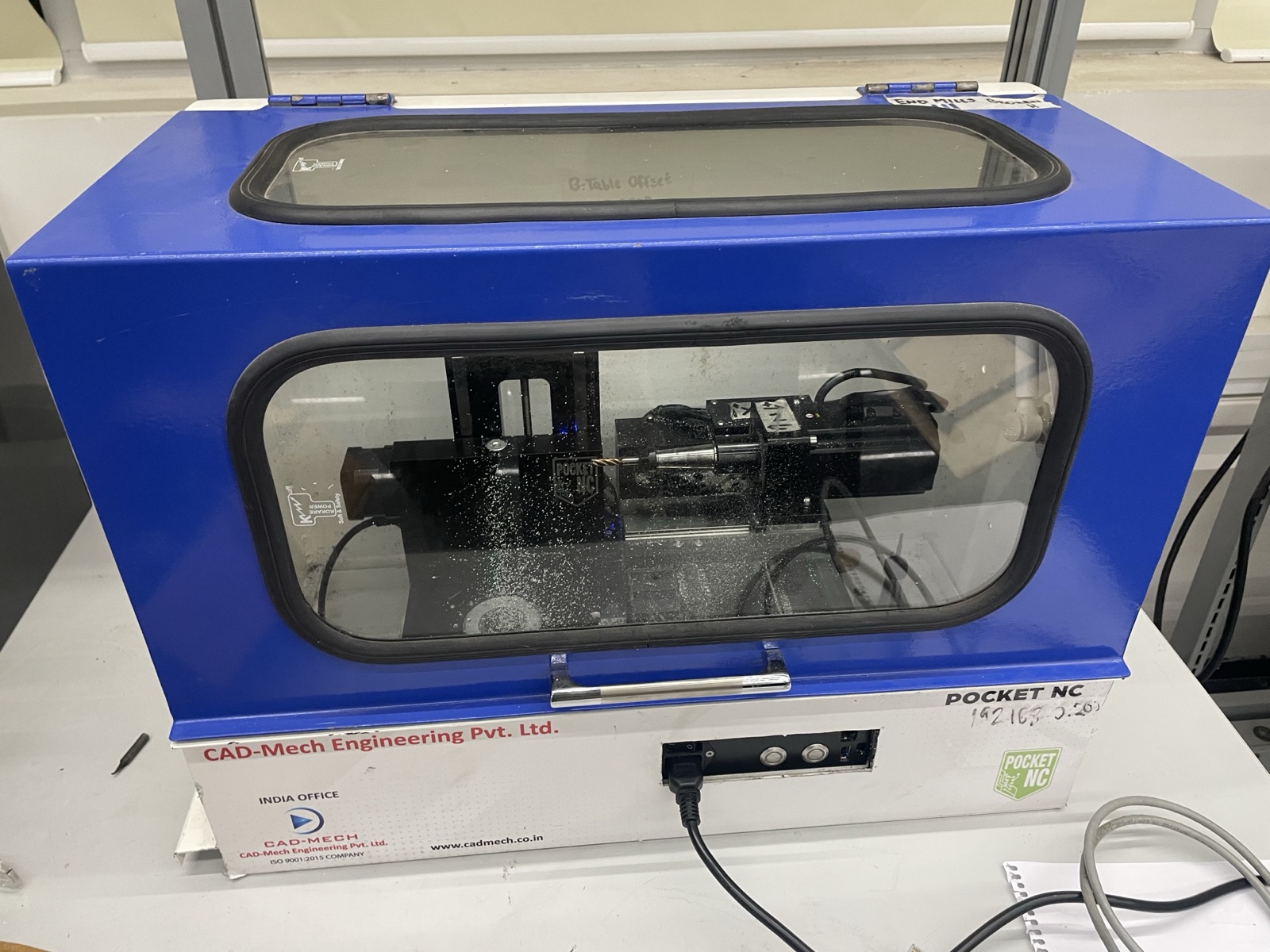
To connect with the Pocket NC machine, I have to know its IP address. To resolve this, I can connect both of my machines to a common WiFi network and communicate through that, but I don’t have a screen on my CNC to connect directly, so I can connect it to a router’s LAN port and set its IP address. A router basically runs a DHCP (Dynamic Host Configuration Protocol) service; it assigns IP addresses to devices which are on its network. Now the mistake I made was that I thought a TP-Link switch is a router, and wasted a lot of time troubleshooting why I couldn’t access the admin web page. Note that although they both look alike, they are not the same, a switch has no DHCP service, it just connects multiple devices together.
Once I got to know it is a switch, so basically the machine self-assigns a local address. So I used the dns-sd command for mDNS/Bonjour to ask the local network if anything answers to pocketnc.local.
dns-sd -q pocketnc.localand it spit out the IP of the machine. Now I just made a few tweaks in the network settings so the IP falls in the range of the Mac’s subnet, and now I can access the webpage of the Pocket NC machine and control it and upload files directly.
And finally, I realised that I could have directly connected an Ethernet cable from my Mac to the machine and run the same command. It would have worked in an instant.